Here are exemples of production solutions I’ve implemented and applied on various projects.
ShotGrid / Prism / Google Sheets:
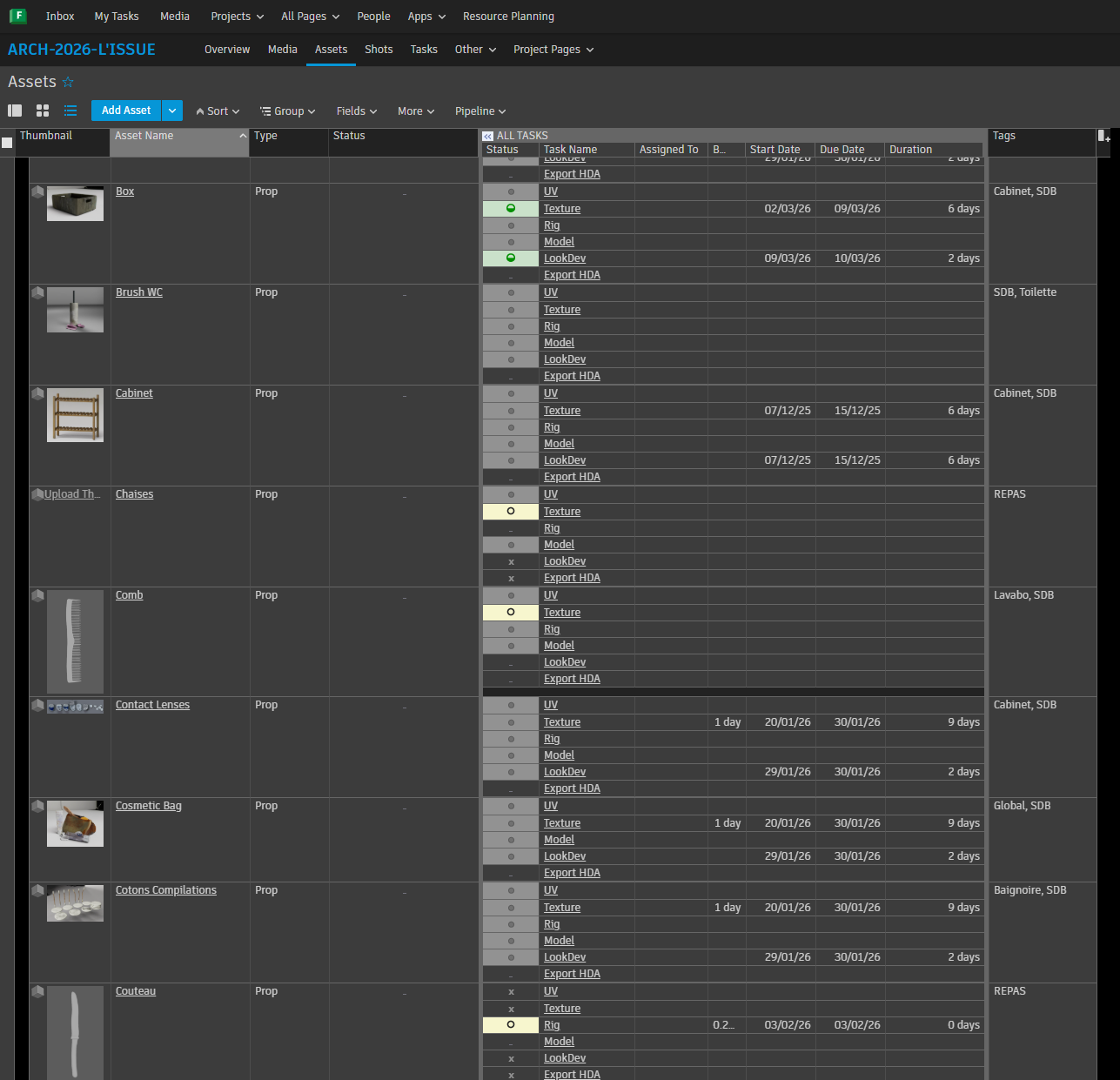
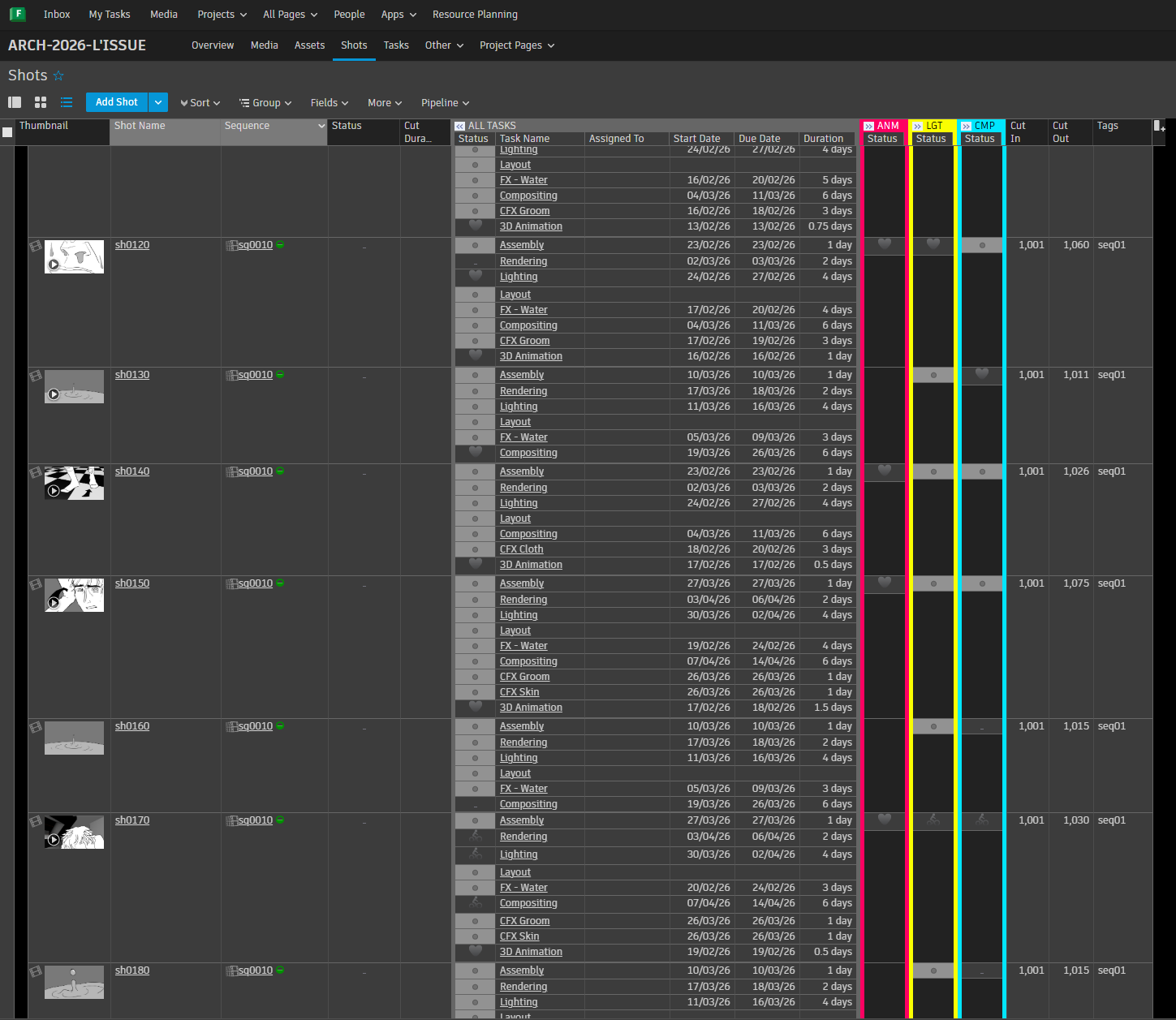
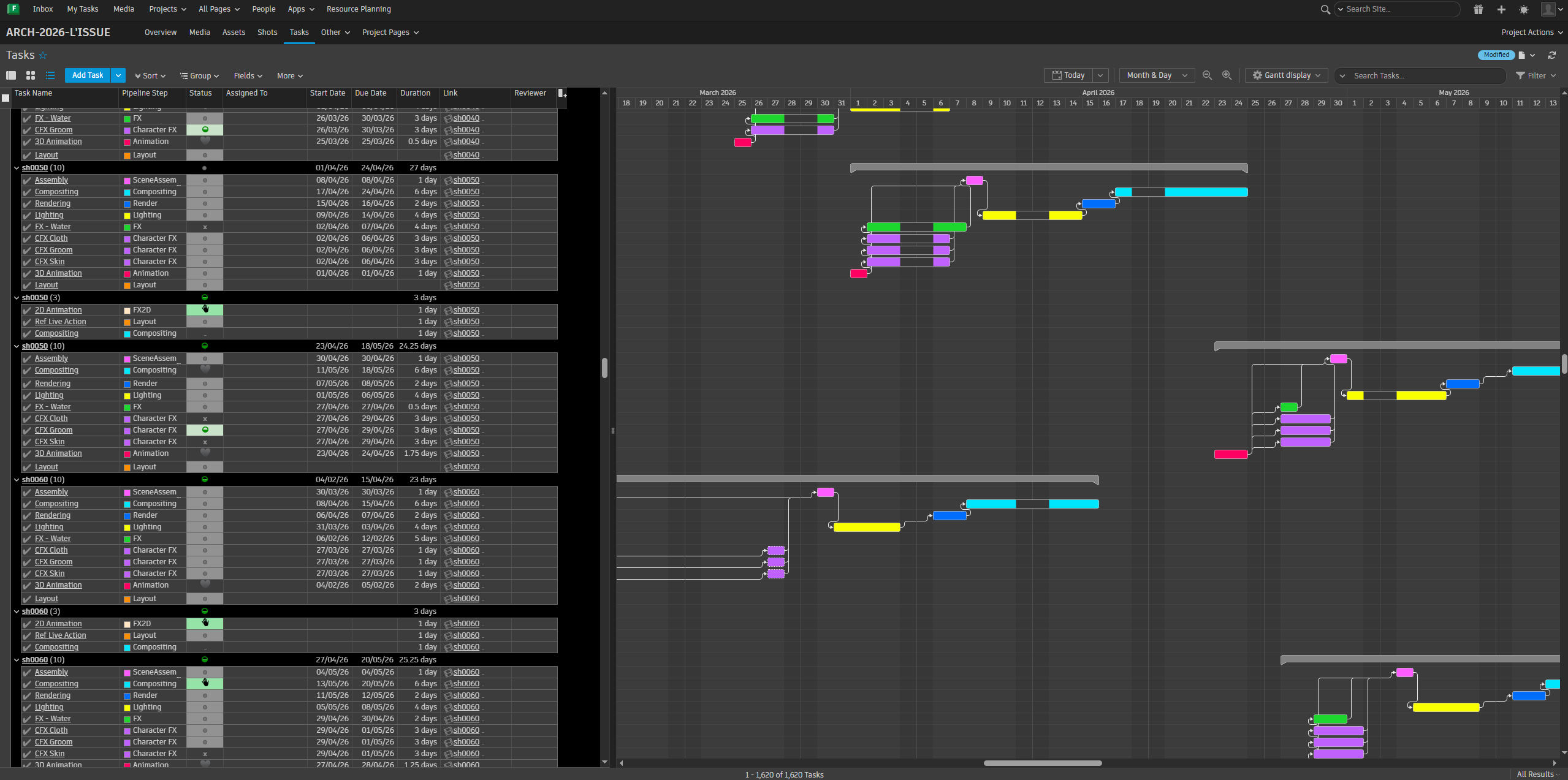
I setup and kept track of our film “L’Issue” on AutodeskFlow (previously ShotGrid). This included creating all the assets with their subsequent tasks (concept, modeling, surfacing etc…), artist assignments, deadlines, tasks duration, bid, priority and dependencies. I organised assets using tags to better keep track of each environment’s progress. I also applied this work and organisation to the characters, sequences and shots of our film. I created a forms sheet to faster create and update assets and shots while the setup was being implemented. I also included as much as possible thumbnails for each elements so it was more visually clear and easier for the artists to navigate.
Theses setups and custom settings helped create a clear, consistent workflow that made it easy for artist understand their responsibilities, work progress and made sure we were hitting our production goals.
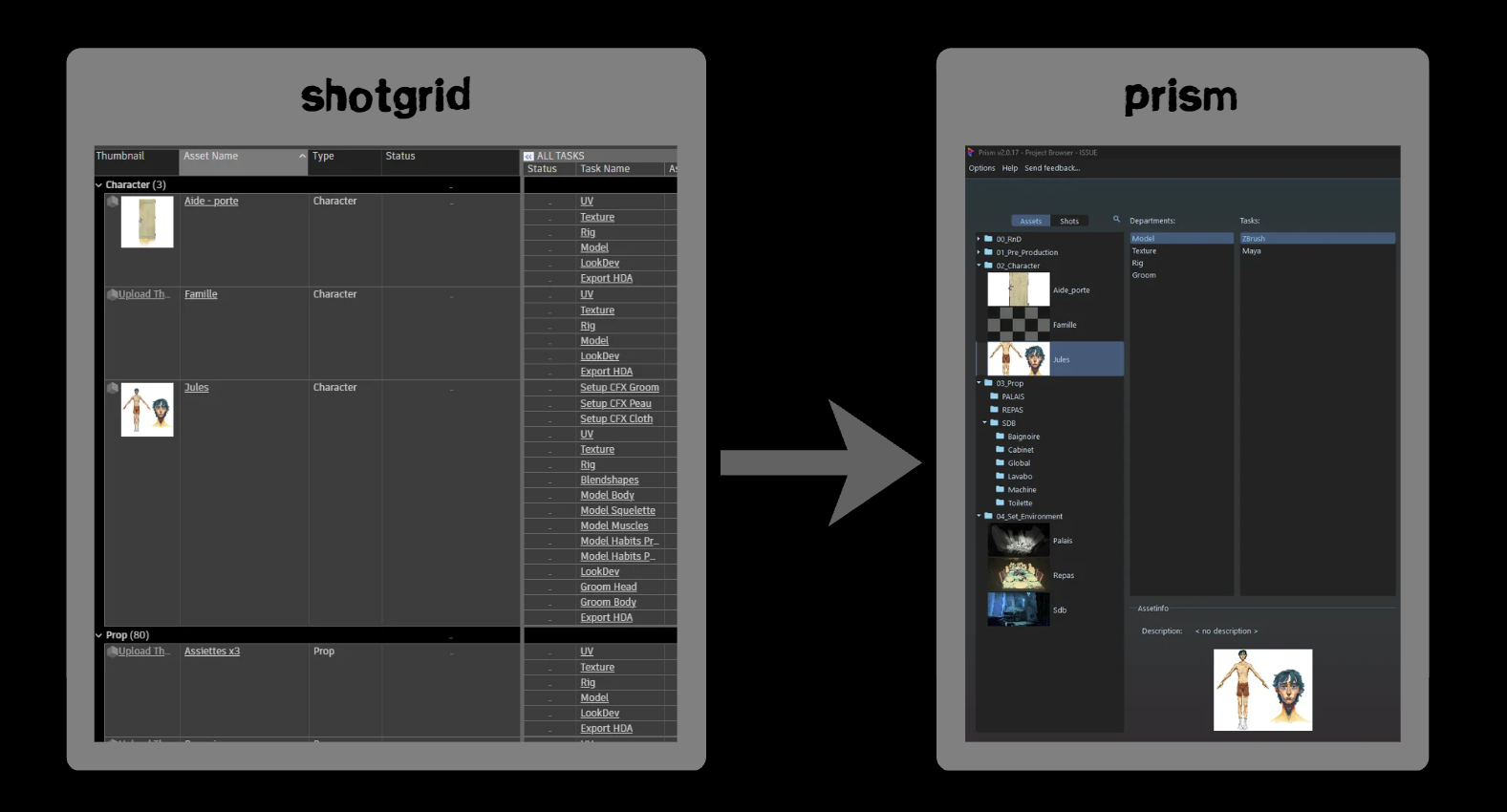
With ShotGrid setup, I implemented the same hierarchy of assets, characters and shots to Prism which the artists used daily to navigate through files.
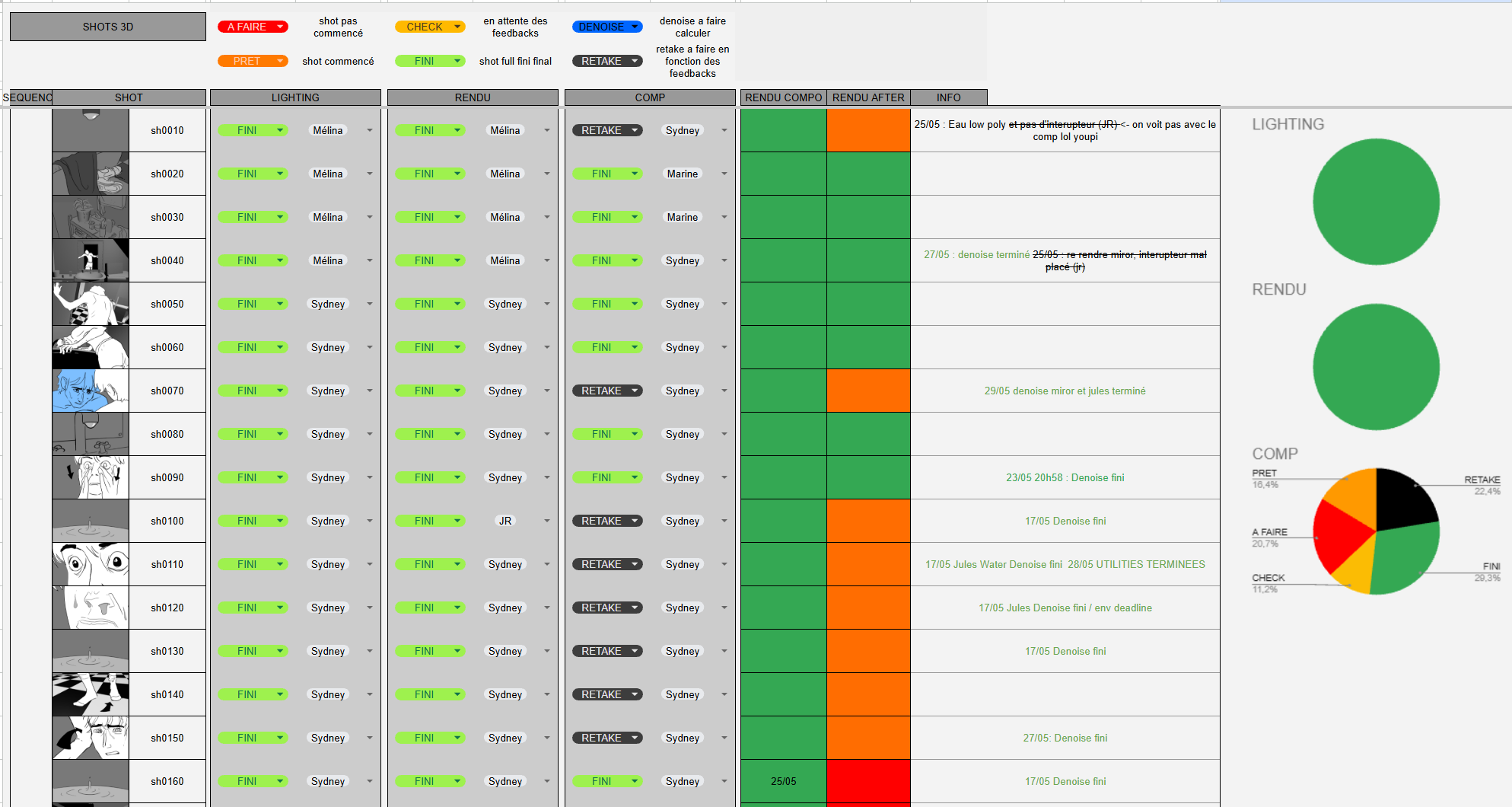
I also created additional spreadsheets for a more detailed managment of shots rendering.
Overall organisation and Pipeline:
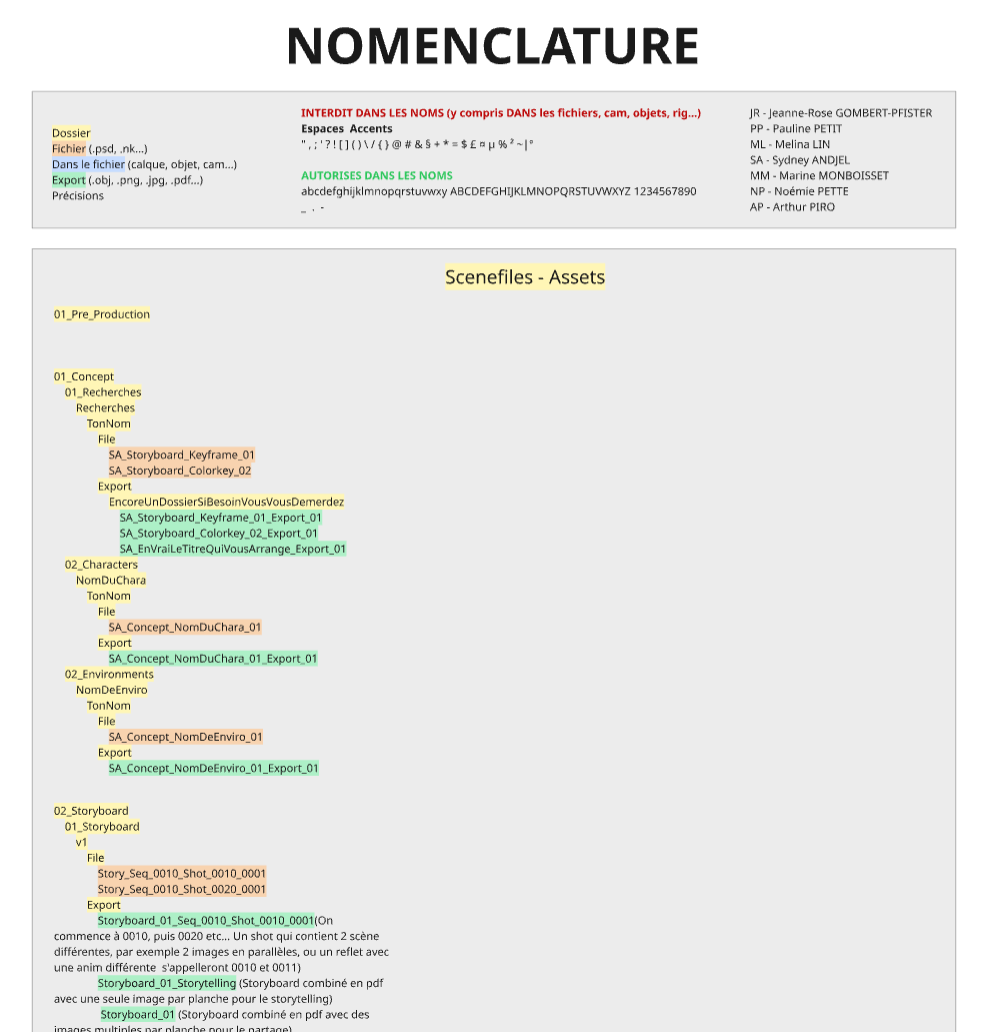
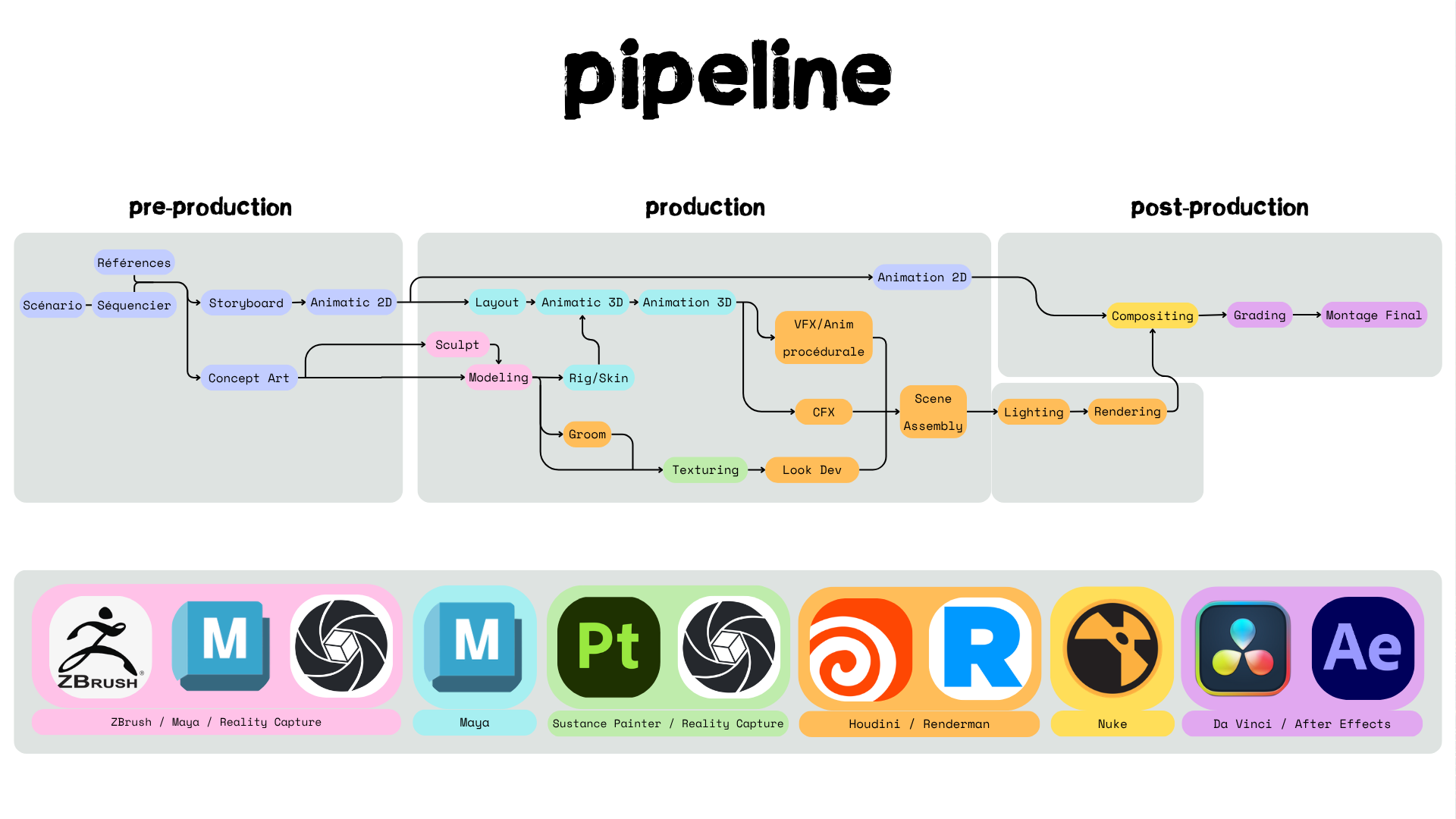
I created documents to check back on in regards to organisation, inclusing naming conventions, file organisation and overall pipeline.
Scene Presets:
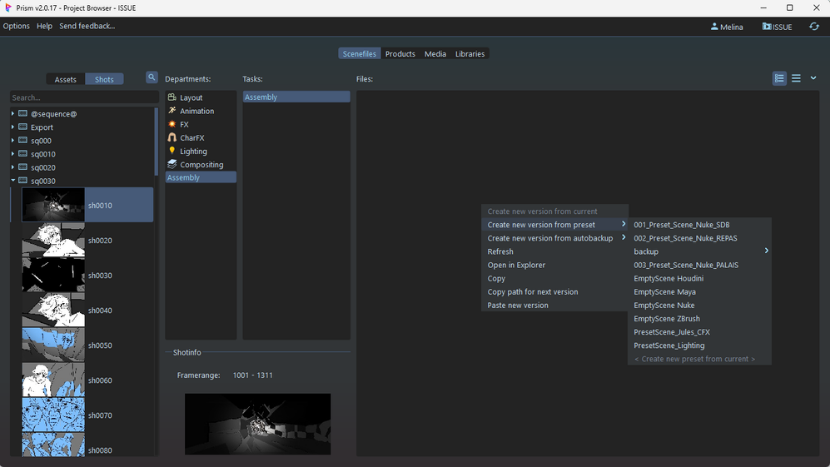
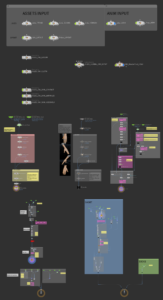
In Prism I also created custom scene presets for CFX, Lighting, Assembly & Rendering which made artists work more efficient, less tedious and less prone to simple errors as the global file parameters were all previously setup and thus consistent across production.
The scene presets were made in Houdini enabling us to have tools and node setups already implemented, which enabled the artists to focus on the artist and technical aspects of each task.
Exemple of the contents of the CFX scene preset. Here the whole setup is ready to be run through each shot.
Tools:
On top of scene presets I created tools using Python scripting to create an automated pipeline. In Houdini those tools automatically exported/loaded characters, assets and environments based on the sequence and shot detected from the open file (Prism environment variables), loaded textures and assembled each element to be ready for rendering. Another Houdini tool took charge of rendering: it automatically created light aovs, separated each element to be rendered in a different file, setup necessary aovs layers, detected and created the appropriate file path with a non-destructive versioning system. In Nuke various tools loaded the latest renders based on the sequence and shot detected, and recreated the light beauty.
For each of those tools I regularly exchanged with artists about their needs and things to improve. I also created detailed explanation documents about each tool complete with diagrams for them to reference throughout production.
Theses tools greatly improved productivity for redondent tasks (3 minutes to assemble and send a scene to render instead of 20minutes), prevented rendering errors and let artists spend more time on the artistic and creative part of their work.