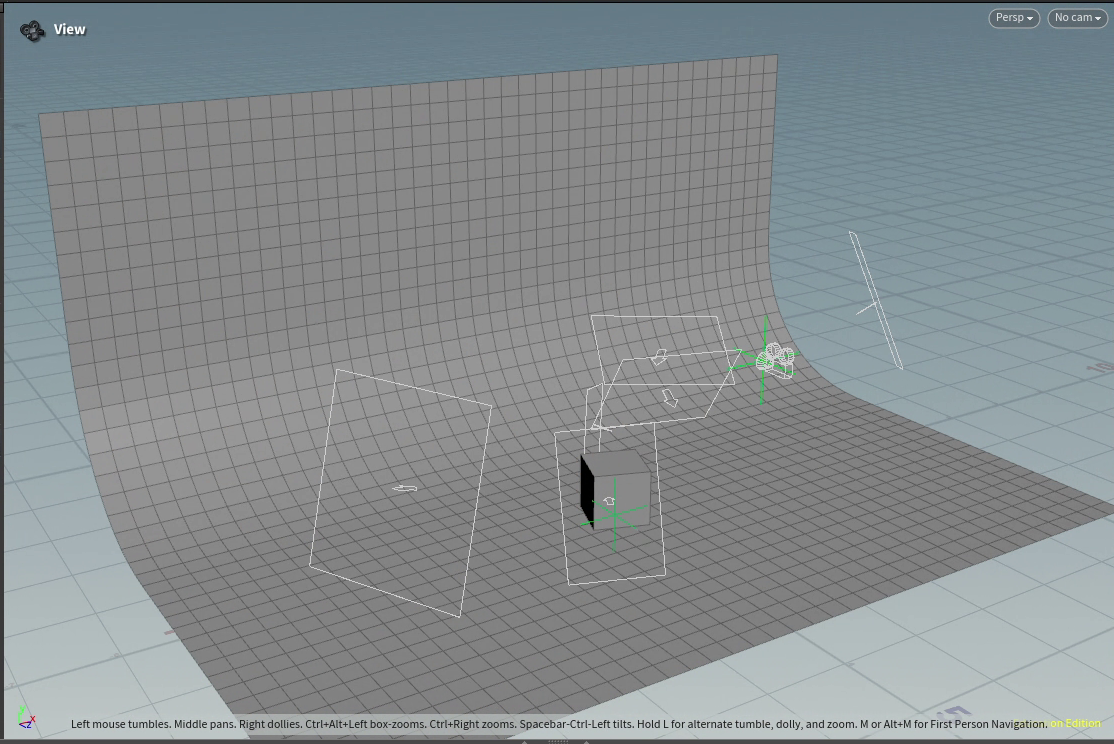
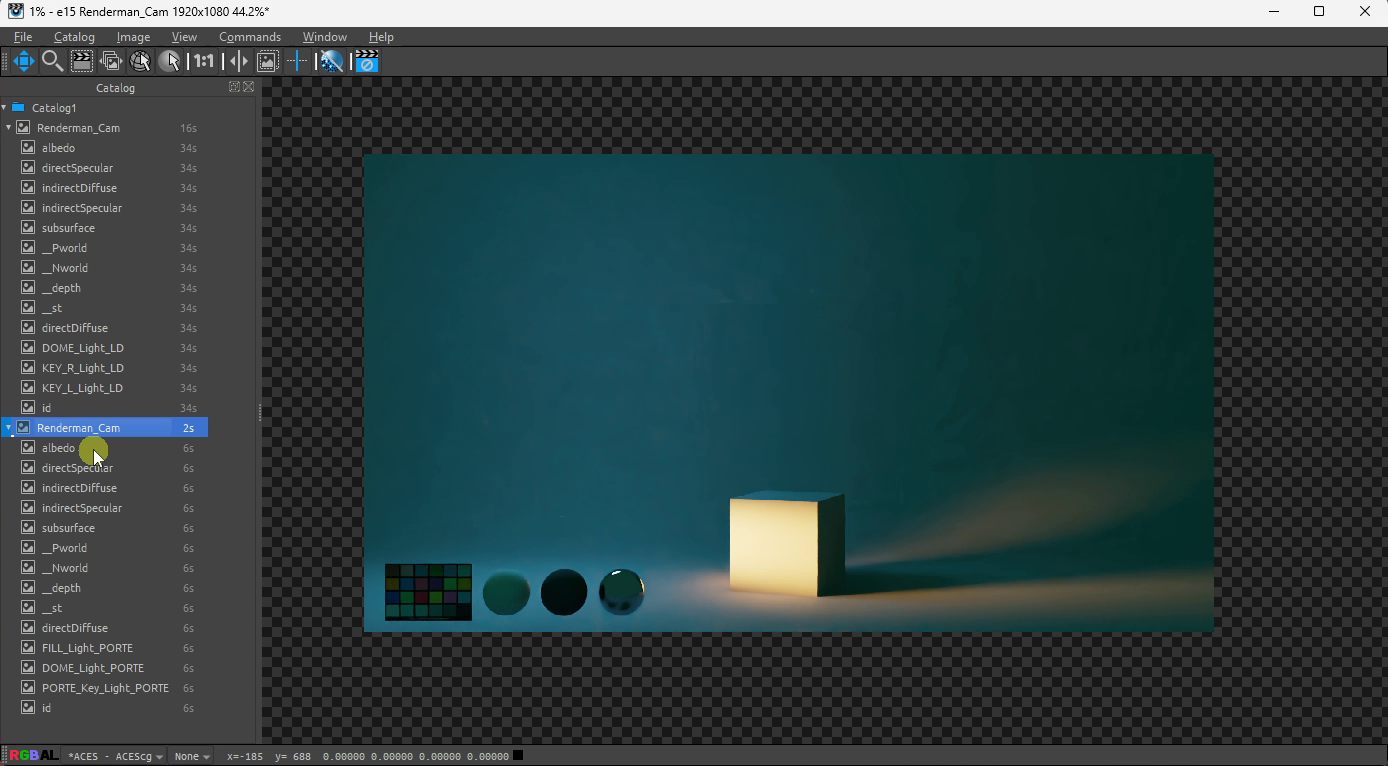
This tool came about because I wanted to efficiently render Look Development turns of different assets and accross different scenes. And be able to seen them with the different lightings of each main film sequence.
Here is how it works (using Python script) :
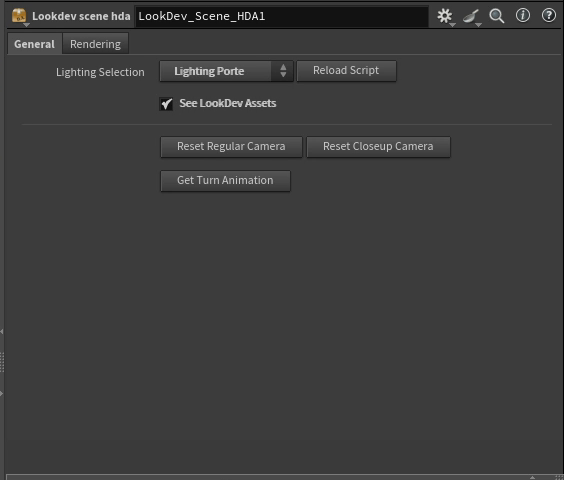
– The artist can switch between different lightings, and each render will subsequently have the proper LPEs for choosen lighting
– The artist ca, choose between the HDRi balls along the MacBeth color chart (LookDev Assets) to be visible or hidden in render.
– The LookDev Assets always remain at the proper place within the camera framing, even if this one moves.
– The artist can choose between two different cameras, and can reset them to their original position if needed.
– A null node with proper 360* degrees turn can be created at the push of a button for consistent turn accross assets.
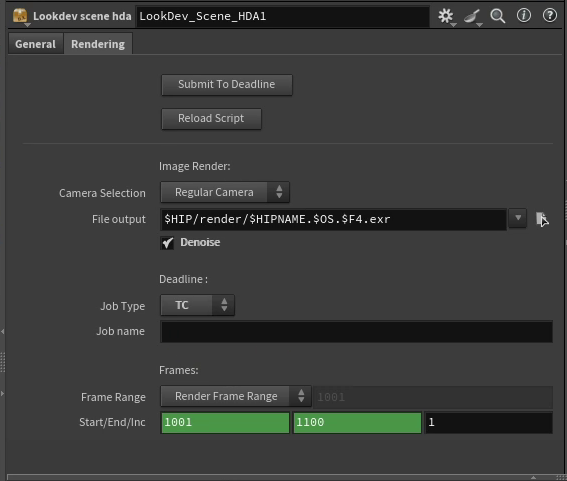
– The render is directly sent to Deadline , and the artist can choose the proper priority without needing to manually enter the parameters themselfs.
You will soon find down below a detailed explanation of the tool in a short video !